Optional Hardware
Add a kiosk only if you need one.
QuickOrder works without a kiosk. If you want to offer a self-service ordering station, simply choose the format that works best for your location.
Monthly rental · QuickOrder software included · Optional hardware.
One more ordering option
Shorter wait timesCustomers can place an order without having to wait for a checkout lane to become available.
More CapacityYou are adding an order point without adding a new system.
Still QuickOrderProducts, orders, and payments remain in the same environment.
Your customers place orders while your team continues to serve them.
A kiosk can help reduce the line during busy times. Orders go directly into the same QuickOrder workflow as those from the counter, the website, and the preparation area.
Two formats
A small kiosk for the counter. A large kiosk for the wall.
The software is already included in QuickOrder. You only rent the hardware.
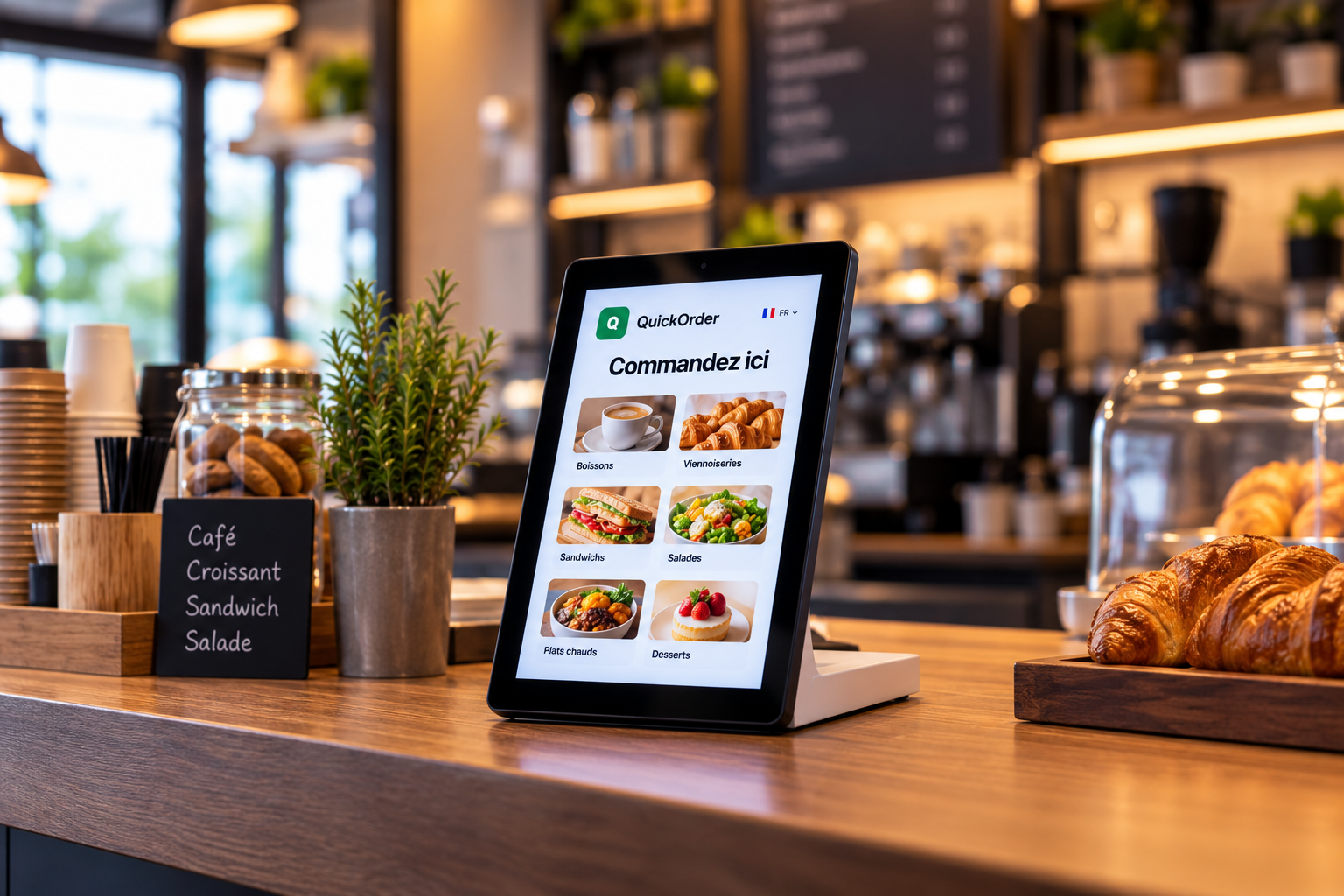
KIOSK Light
Compact for the counter.
A compact design that makes it easy to add self-service ordering without taking up much space.
- 15.6" touchscreen
- Places on a counter or table
- Wi-Fi Connection
- Ready for QuickOrder
CHF 49.–/month
Equipment Rental · QuickOrder Included
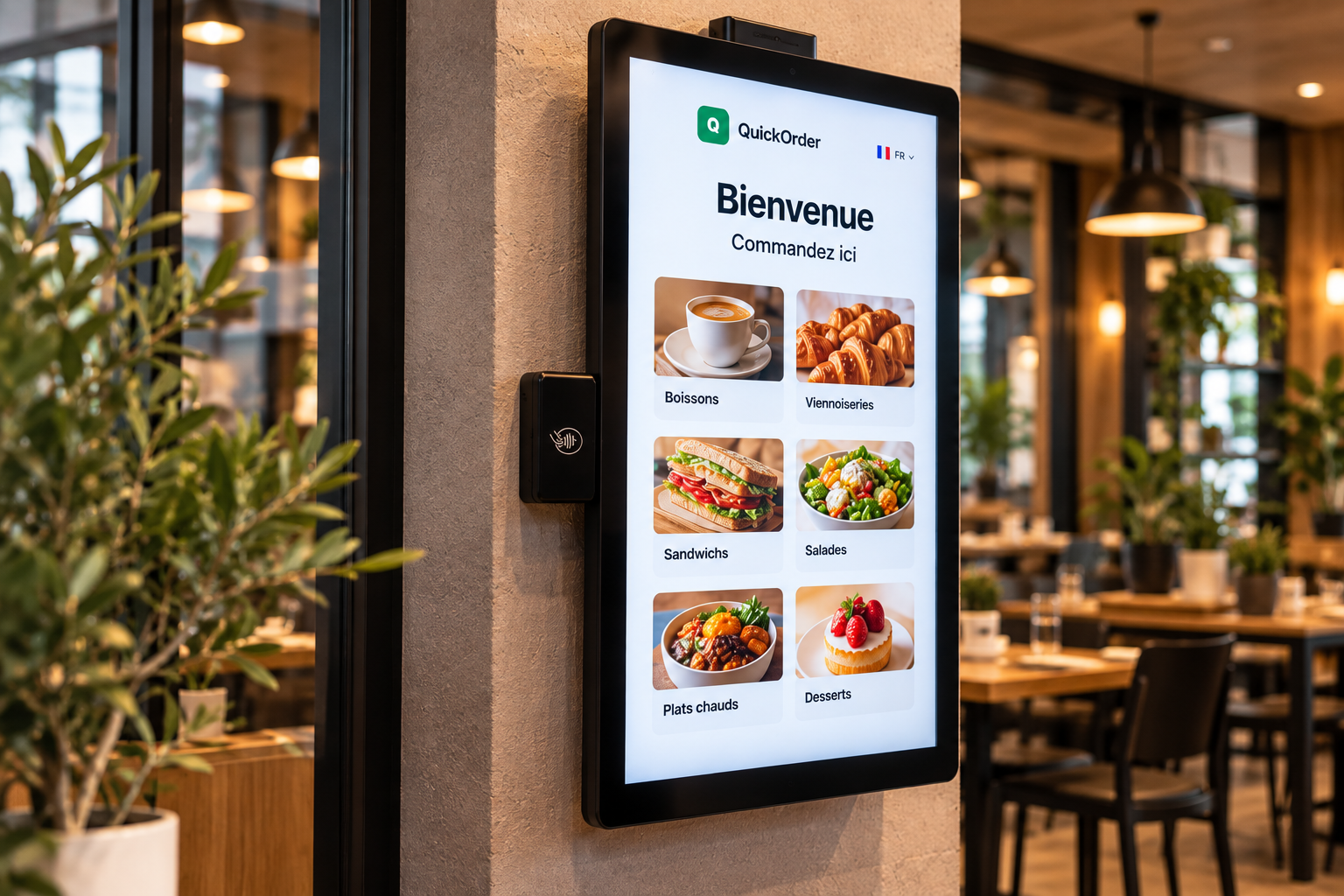
KIOSK Pro
Large, visible, and designed with the user flow in mind.
A large wall-mounted kiosk to create a true self-service ordering station in busier locations.
- 21.5" Large Touchscreen
- Wall Mount
- Wi-Fi Connection
- Ready for QuickOrder
CHF 99.–/month
Equipment Rental · QuickOrder Included
Easy to set up
Install. Log in. Start receiving orders.
Your kiosk joins your QuickOrder environment without creating a new system to manage.
01InstallSet up the Light or mount the Pro.
02ConnectConnect it to your network and to QuickOrder.
03SellYour customers have an additional ordering option.
QuickOrder KIOSK
The kiosk is optional. QuickOrder already works without it.
Choose Light or Pro only if it adds value to your business.